
PRIVATE IMAGE TOOLS
PNG to JPG.
Turn PNG images into easy-to-share JPGs.
Choose quality and size. Transparent backgrounds become white; originals stay unchanged.
Convert your photos
On your deviceCheck your settings, then convert. Your originals stay unchanged.
Drop your photos here
or choose them from your files
Up to 10 photos · 20 MB each · 100 MB total
HEIC / HEIF / JPG / PNG / WebP · No photo uploads.
Processing your photo
Loading the converter…
Keep this tab open. Your photo is being processed on this device.
Your JPG is ready
This file contains multiple images. The primary photo was converted.
The selected photo is already a JPG. We saved a new copy without the original capture metadata.
Converting your photos
The 50 MB result limit was reached. Download completed photos, then start a smaller batch.
Successful photos only. Your originals stay on your device.
This photo couldn’t be converted
Converted with PicConv
A transparent PNG becomes a JPG with a white background
We converted a paper-plane graphic with transparent and semi-transparent areas at JPG quality 90%. The checkerboard behind the PNG indicates transparency.
Measured using our own demonstration artwork.


Previews are scaled for display. Download the source and JPG files below to compare full-size quality.
| File / settings | Dimensions | Size |
|---|---|---|
| PNG source download | 960 × 640 px | 29.1 KB |
| Download JPG 90% | 960 × 640 px | 21.5 KB-26% |
JPG cannot store transparency. This sample became smaller, but compression can affect crisp edges and text. Keep the PNG if you need its transparent background.
Sample sources and measurement conditions
We prepared a PNG from our own transparent SVG artwork. The result above is the file actually converted by PicConv.
Checked on October 21, 2026 in a Chromium-based browser on macOS. 1 KB = 1,024 bytes; displayed values are rounded. File size and color can vary with image content, settings and browser.
Choose for your destination
Should you convert this PNG to JPG?
Start with what you need to submit or share. A smaller file is useful only if the picture still works for its purpose.
| Your image | A useful choice |
|---|---|
| A photo for a form that accepts JPG | Make a JPG copy. Start at High quality and original size, then check the form’s file-size and dimension requirements. |
| A screenshot with small text | Keep PNG when accepted. If JPG is required, keep the original dimensions first and inspect letters and thin lines before uploading. |
| A logo with a transparent background | Keep PNG if transparency matters. JPG fills transparent areas with white; see the background comparison above. |
A photographic PNG: a smaller JPG copy
This photographic sample is AI-generated, not a camera capture. At original dimensions and quality 90%, its JPG is smaller. That reduction is specific to this source PNG, not a guaranteed compression rate.
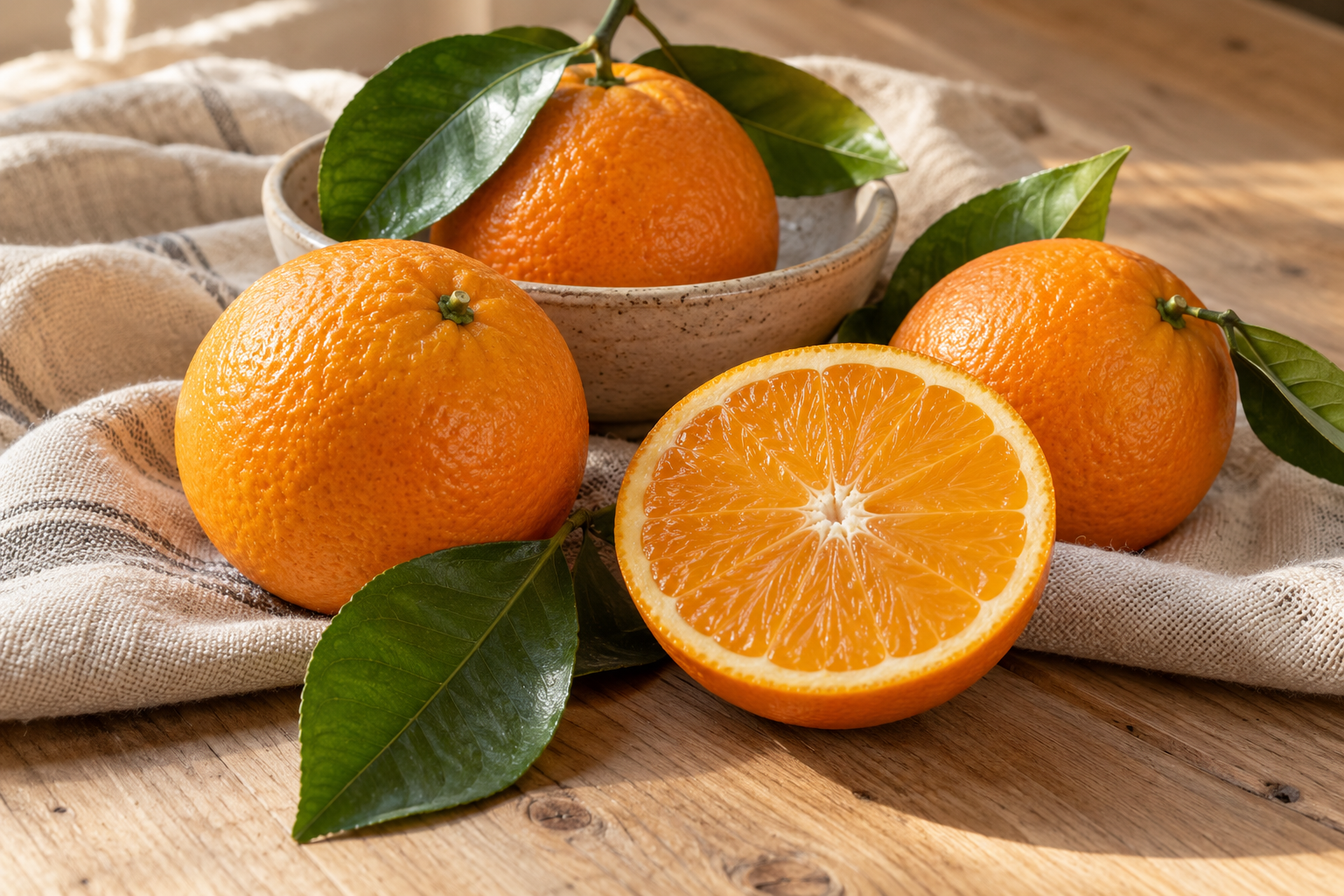
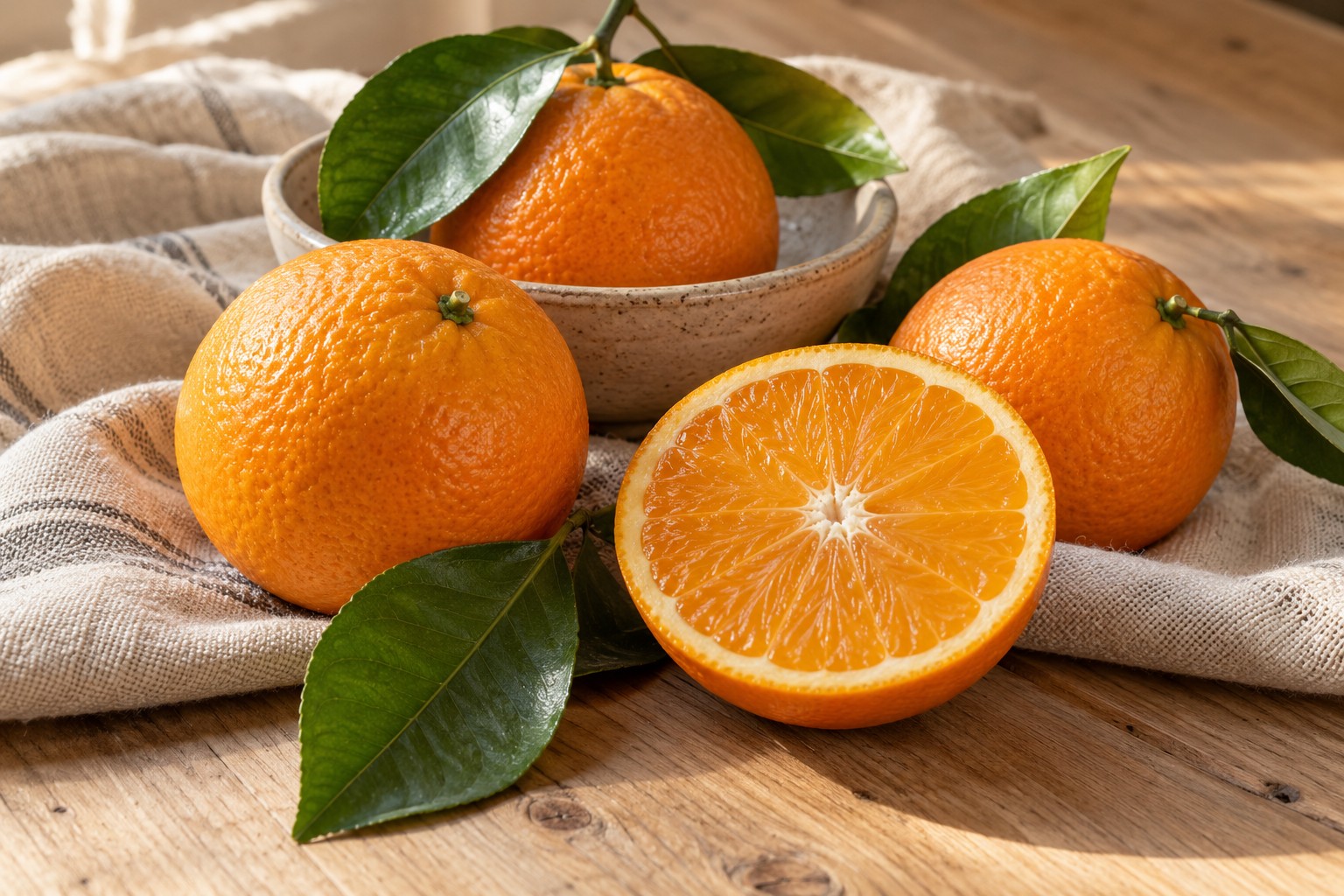
Photo sample: 2533.5 KB → 380.1 KB (-85%). Both files keep the original pixel dimensions.
Small text and flat colors: a JPG can be larger
This is our own text-panel illustration, prepared as a 256-color palette PNG. It is not a screenshot of a real document. Its compact PNG becomes larger as JPG; text and sharp edges can also change.
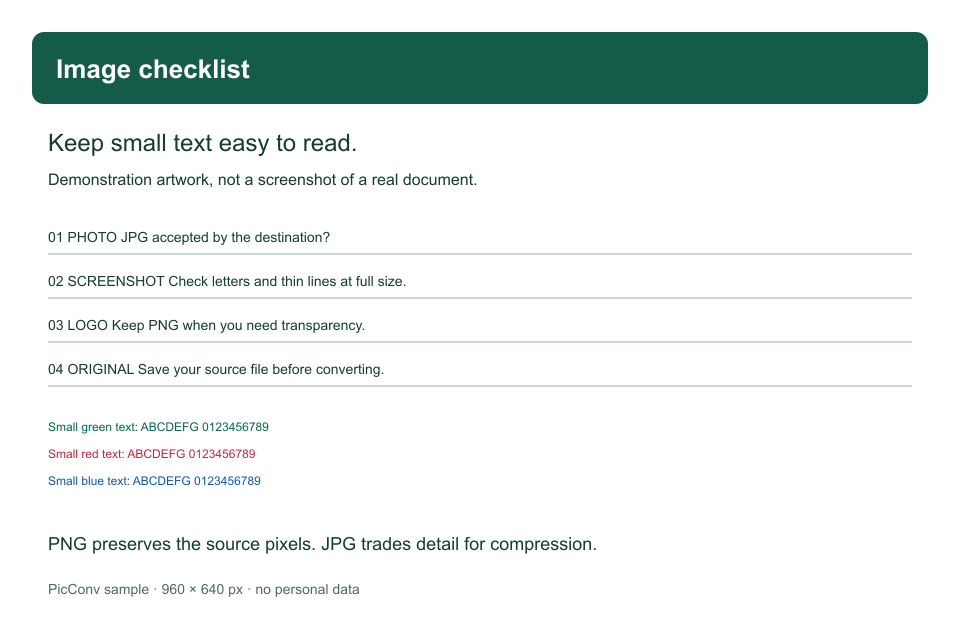
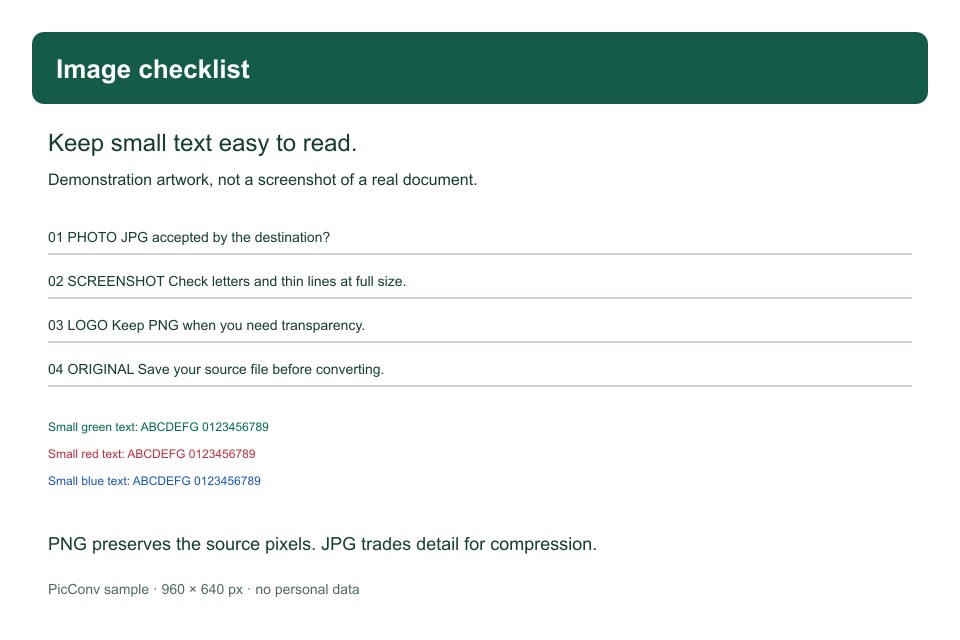
Text sample: 27.6 KB → 53.3 KB (+93%). Both files keep the original pixel dimensions.
Inspect the small text at its original pixel size
These windows show the same area of the actual PNG and JPG without resizing. Narrow screens show less of the line. Download the files above for the complete image.
What if the JPG is larger than the PNG?
For the text sample above, lowering quality to Balanced still produced a larger file. Using Smaller file and a width of 640px made it smaller, but also reduced the size of every letter.
| File / settings | Pixels | Size |
|---|---|---|
| Source PNG ↓ | 960 × 640 px | 27.6 KB |
| High · 90% · original ↓ | 960 × 640 px | 53.3 KB+93% |
| Balanced · 80% · original ↓ | 960 × 640 px | 42.3 KB+53% |
| Smaller file · 65% · width 640px ↓ | 640 × 427 px | 19.1 KB-31% |
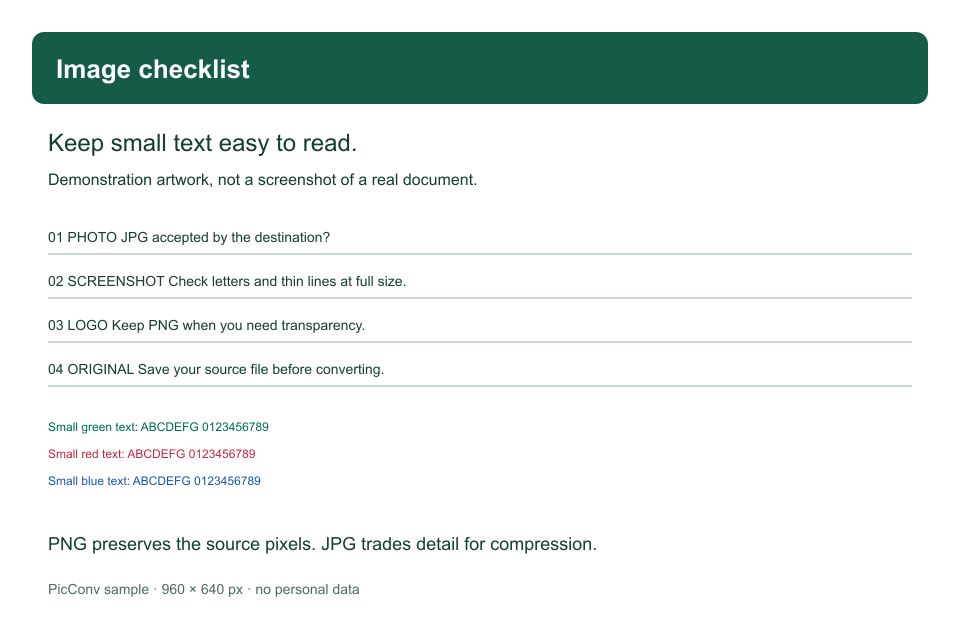
- If your destination accepts PNG, keeping the smaller original may be the best option.
- If it requires JPG, try Balanced quality with the original dimensions first. Choose “Convert again with new settings” to apply a change.
- Reduce width only when the destination allows it. Check the smallest text at full size and keep the original PNG.
How these examples were measured
Converted and downloaded with PicConv on October 22, 2026 in a Chromium-based browser on macOS. The photo uses our AI-generated sample; the text illustration was rendered from our own SVG as a 256-color PNG. JPGs above are the actual downloaded results. No personal photos or documents were used.
1 KB = 1,024 bytes. Values are rounded. Photo previews are resized WebP images, so use the source and JPG downloads to judge full-size quality. The text previews use the actual files. Results vary with the image, source encoding, settings and browser.
Convert by image format
Choose a conversion to start with the right output format.
HEIC to JPG
Make your iPhone photos easier to share.
WebP to JPG
Save WebP pictures as familiar JPG files.
WebP to PNG
Keep transparent backgrounds in a PNG copy.
HEIC to PNG
Save iPhone photos as PNG images.
JPG to PNG
Make PNG copies of your JPG images.
HEIC to WebP
Turn iPhone photos into WebP images for the web.
JPG to WebP
Prepare your JPG photos for WebP workflows.
PNG to WebP
Save PNG graphics as WebP, keeping transparency.
Three steps. One ready-to-share photo.
- 01
Choose PNG images
Select up to 10 still PNG images. Keep your originals if you need their transparency.
- 02
Check quality and dimensions
JPG is preselected. Keep the original dimensions or scale down, choose quality, then convert.
- 03
Download your JPGs
Save individual files or download successful results as one ZIP.
Photo conversion guides
View all guidesHow to convert HEIC to JPG on iPhone
Convert an iPhone HEIC photo to JPG, handle photos already delivered as JPEG, and find the downloaded file. Includes the original HEIC route through Files.
Read the guide WindowsOpen HEIC photos on Windows or convert them to JPG
Need to open a HEIC photo on Windows? Check Microsoft’s viewing options or make a JPG in your browser with PicConv, without uploading your photo.
Read the guide Batch & ZIPBatch convert HEIC to JPG and download a ZIP
Convert up to 10 HEIC, HEIF, or JPG photos together. Learn the file limits, how to download a ZIP, and what happens when a photo fails or you cancel.
Read the guideGood to know
Which image formats can I convert?
Open HEIC, HEIF, JPG, PNG and WebP images and save as JPG or PNG. WebP output is available in supported browsers. HEIC output and animated PNG or WebP inputs are not supported.
What happens to a transparent PNG background?
JPG does not support transparency. PicConv places the image on a white background before saving it. Keep PNG or choose WebP in a supported browser if you need transparency.
Is PNG to JPG conversion lossless?
No. JPG uses lossy compression. Text, logos and sharp edges can show artifacts, so PNG may be more suitable for those images. The default JPG quality is 90%.
Will a JPG always be smaller?
No. Results depend on the image, dimensions and quality. Photos often benefit from JPG, while simple graphics may already be small as PNG. PicConv shows the original and result sizes after conversion.
Can I process animated PNG files?
Animated PNG files are not supported. Choose a still PNG image.
Does this upload or change my original PNG?
No. Your browser creates a separate JPG without uploading the image or copying original capture metadata. The original file stays unchanged.